
Claim your web address
Your handle is the last part of your public web address. Pick it first — you can't create a site until you have one.
Claim it
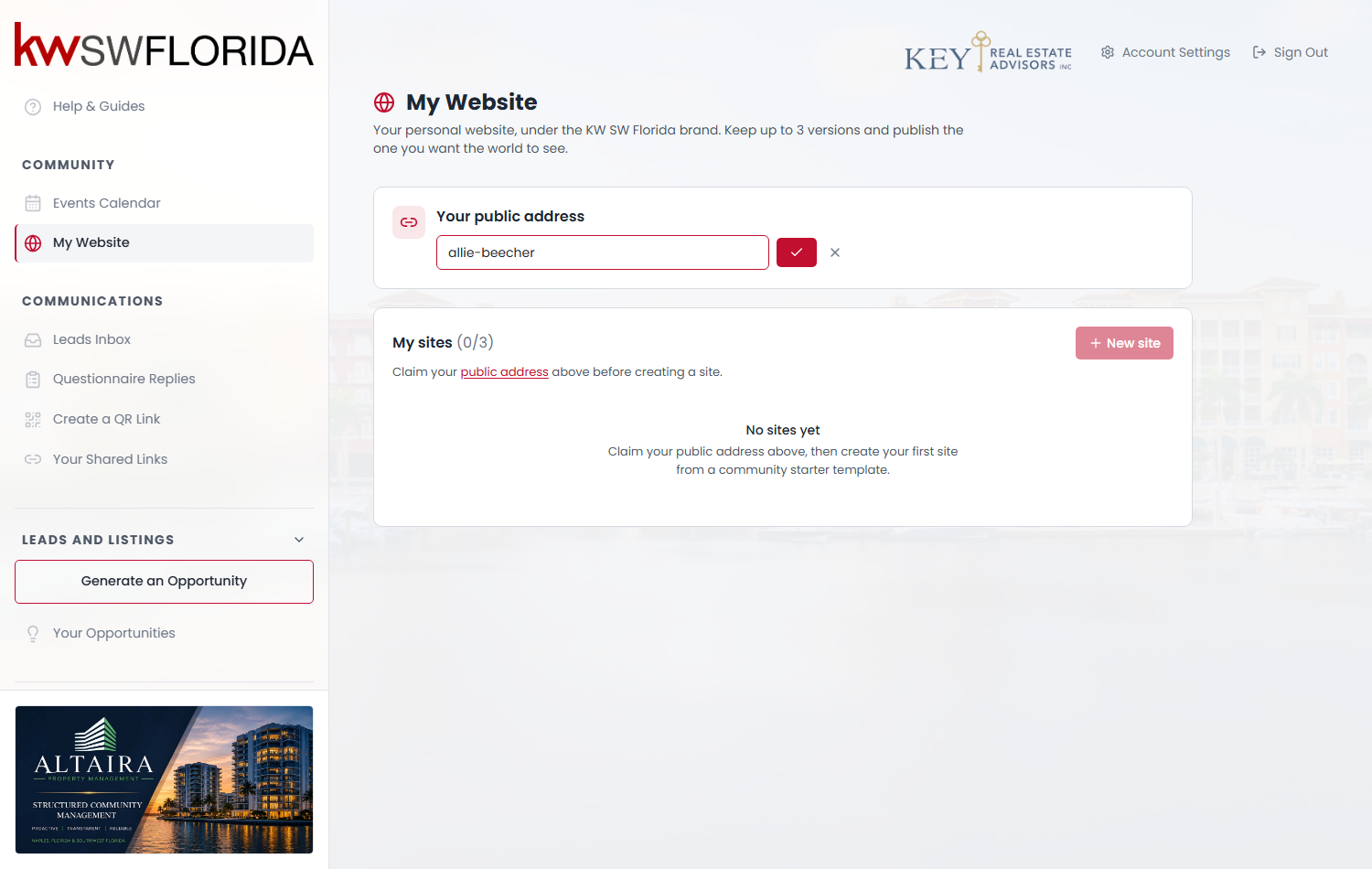
- Go to My Website in the left sidebar.
- In the Your public address card, click Claim your handle.
- Type the handle you want — most people use their own name, like `jane-smith`.
- Click the red checkmark button next to the box to save. (The × cancels.)
Your address then appears in the card, in the form `yourcommunity-site.mycommunitysync.com/a/jane-smith`.
What makes a valid handle
The handle is tidied up automatically as it's saved:
- Only lowercase letters, numbers and hyphens survive. Capitals become lowercase.
- Spaces, accents and punctuation are stripped. "Ana Muñoz" becomes `ana-mu-oz`, which is probably not what you want — type the handle you actually want rather than relying on the cleanup.
- A handful of words are reserved and will be refused: `preview`, `a`, `listings`, `agents`, `admin`, `api`.
- It has to be unique within your community. Someone in a different community can have the same handle without clashing.
Your handle belongs to your membership, not to any one site. All three of your sites share it, and whichever one is live answers at that address.
Changing it later
Click Change handle in the same card.
Every link you've already shared will stop working. There's no redirect from the old address to the new one — business cards, email signatures, social profiles and anything a client has bookmarked will land on a "not found" page. Change it early or not at all.
Take care with the box when editing
If you clear the box and save an empty value — or type something that reduces to nothing after cleanup, like `!!!` — your handle is removed rather than rejected. If you have a live site, it goes offline immediately, because there's no longer an address for it to answer at.
There's no confirmation step on this, so re-read the box before you save. If it does happen, just claim the handle again.
What if the name I want is taken?
Handles are unique per community and there's no way to see who holds one. Try a variation — add your market area or a middle initial — or ask your community admin, who can see the full roster.